Big number blocks
Important metrics deserve a big number
Use a big number block to display one metric in a notebook, app, or dashboard.
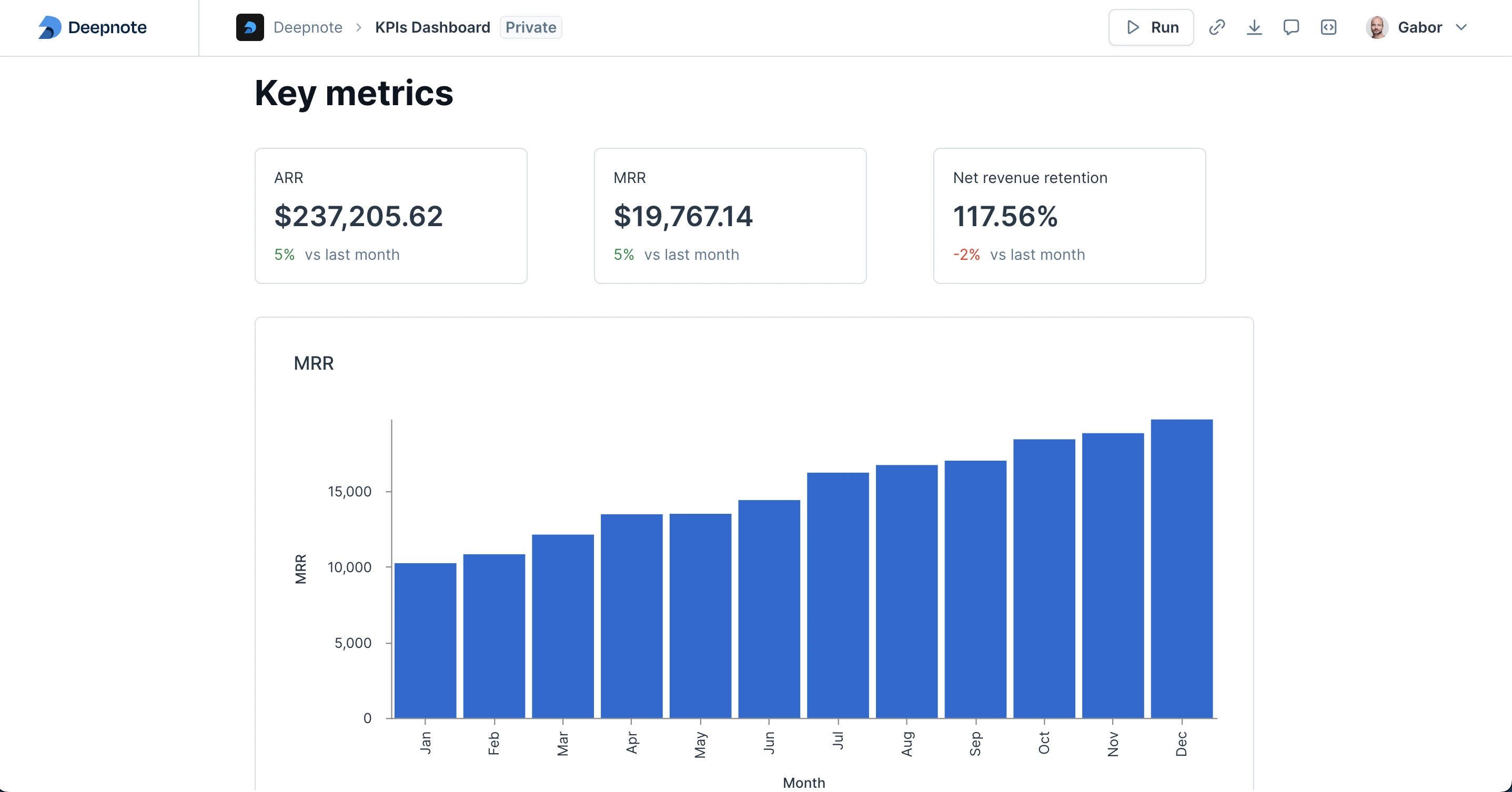
You can add a big number block by pressing the add block (+) button between blocks and selecting the "Big number" option from the menu.
The title block supports interpolating Python variables using Jinja-style brackets. For example: "Sales in {{month}}".
You can choose any variable available inside the notebook for the value you want to display.
The big number chart has different formatting options, including:
- Number
- Currency
- Percent
- Scientific
- Financial
Comparisons
Add a comparison to show how the metric differs from a previous value.
There are a few different ways to do the comparison:
- Absolute change: The difference between the current and previous values.
- Percentage change: The percentage difference between the current and previous values.
- Absolute value: The current value compared to a fixed reference value.