MySQL / MariaDB
Open Integrations from the workspace sidebar, select MySQL or MariaDB, and enter your database connection details:
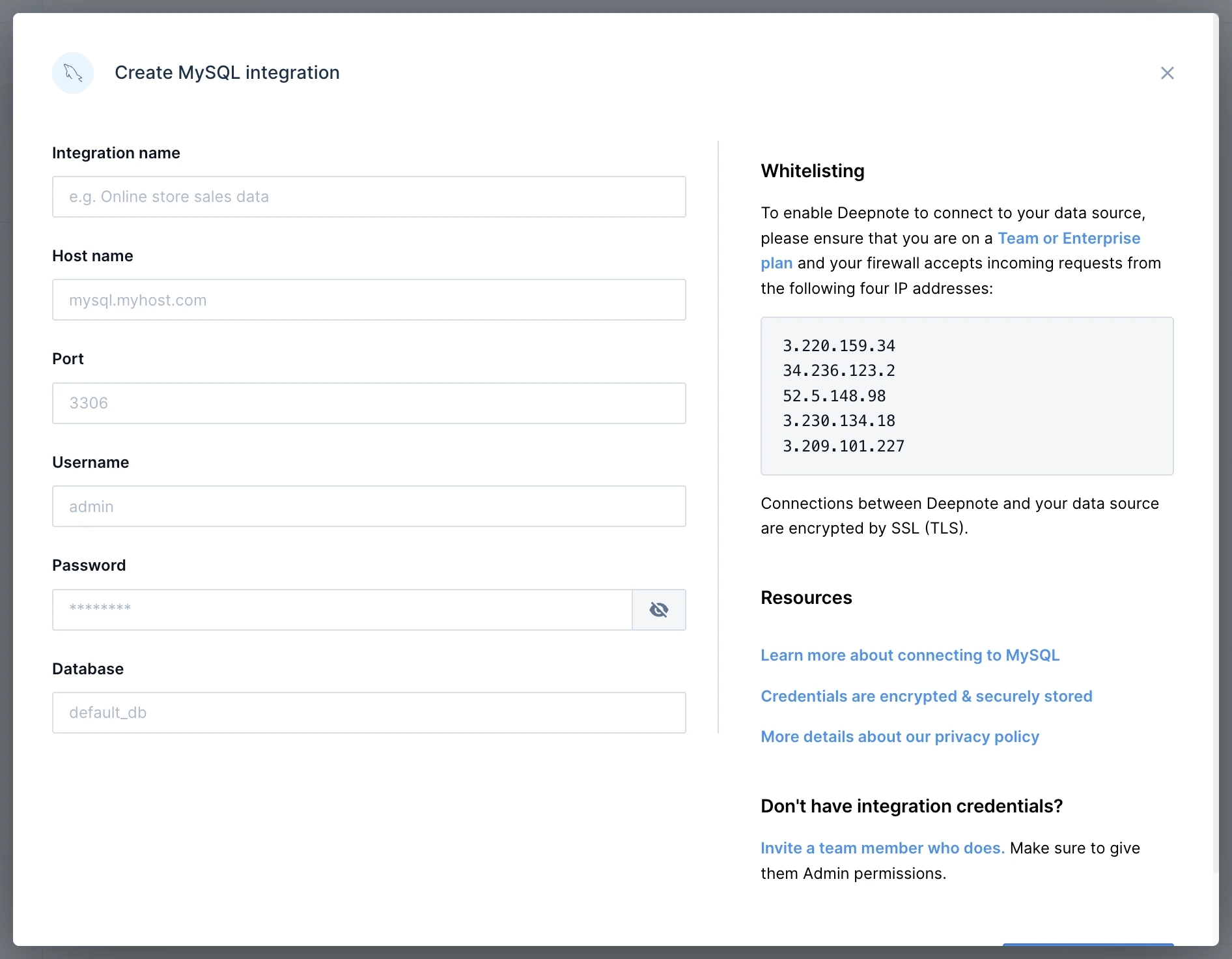
After creating the integration, connect it to your project when prompted. You can also select it when adding a SQL block.
Usage
Click SQL in the toolbar below the notebook and select your integration to add a SQL block.
Secure connections
Use Enforce SSL encryption or Use SSH in the connection form to configure secure connections.